Building a Production Monitoring Stack from Scratch, Part 3: Loki, Tempo & the Full Observability Picture
Series: From NagiosXI to a Modern Observability Stack Part 3 of 4
What Was Still Missing
After Parts 1 and 2, host health was solid. Prometheus pulling from Alloy on every node, dashboards showing the fleet, AlertManager firing when something went wrong. But all of that is infrastructure-level visibility: CPU spiking, disk filling, host going dark. It tells you a machine is struggling. It doesn't tell you what was happening inside your applications when it did.
For that you need logs and traces. This part covers adding both (Loki for log aggregation and Tempo for distributed tracing) and how the central Alloy instance on mon-node-a ties all three signal types together.
Two Alloy Roles
Before getting into Loki and Tempo, it's worth being clear about something that can cause confusion: there are two distinct Alloy deployments in this setup and they do completely different things.
Alloy on each enrolled node: runs the unix exporter, exposes host metrics on port 12345, gets scraped by Prometheus. This is the pull-based setup from Part 2. Nothing changes here.
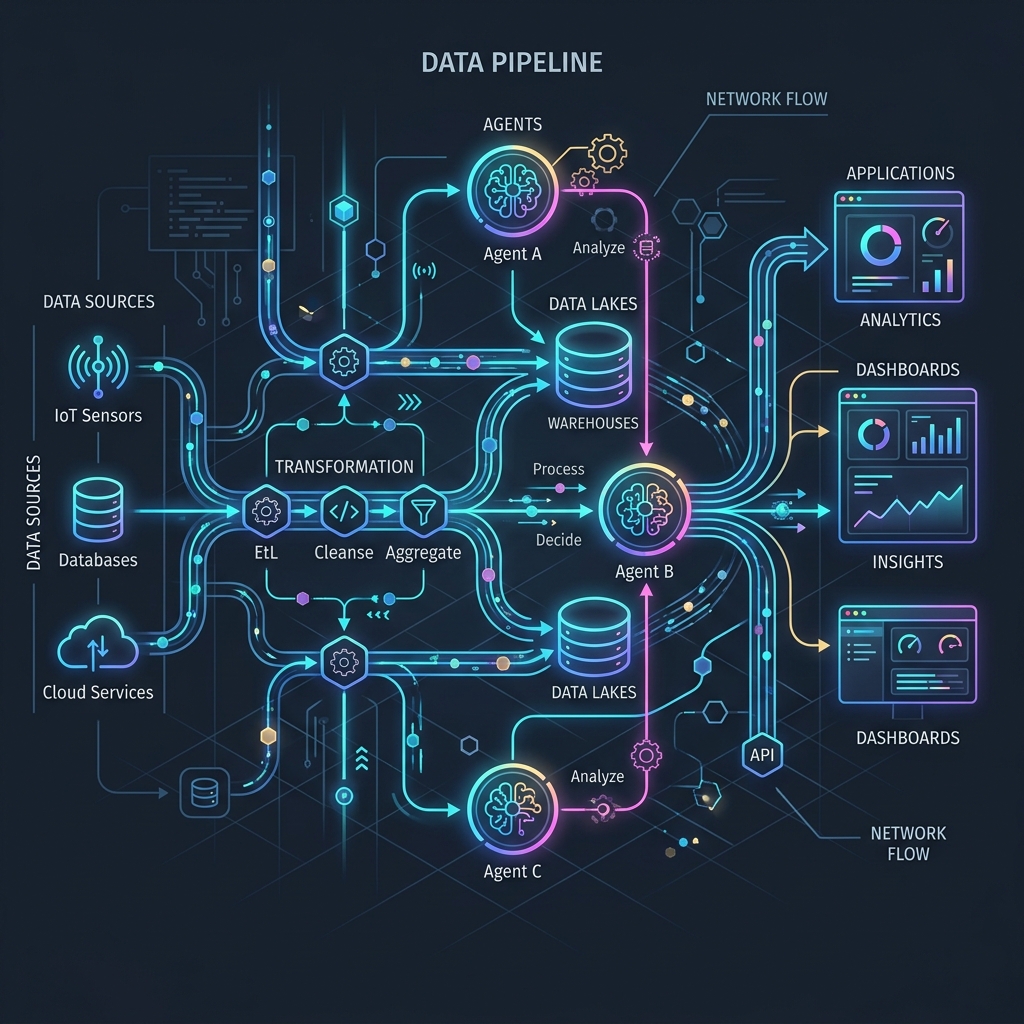
Central Alloy on mon-node-a: runs as a container alongside Prometheus, Loki, and Tempo. Opens OTel endpoints on ports 4317 (gRPC) and 4318 (HTTP). Any instrumented application sends its telemetry here, and Alloy routes each signal type to the right backend.
The separation is clean: node Alloy handles infrastructure signals via pull, central Alloy handles application signals via OTel push. Prometheus only scrapes the node Alloys. The up metric concern from Part 2 doesn't apply here: we're not relying on up for application health, only for host availability.
[ Enrolled Nodes ]
      |
  Alloy :12345  (one per node, host metrics)
      |
      ↓  PULL
[ Prometheus ]  →  AlertManager
      ↑
      |  remote_write (application metrics only)
      |
[ Central Alloy :4317/:4318 ]  ←  instrumented applications (OTel)
      |
      ├──→ Tempo      (traces)
      └──→ Loki       (logs)

[ Grafana ]  ←── queries Prometheus, Loki, Tempo
Storage: MinIO
Both Loki and Tempo need a durable storage backend. In a cloud environment that would be S3. Here, MinIO provides an S3-compatible store running as a container on mon-node-a.
Three buckets: loki-data, loki-ruler, and tempo. The entrypoint script pre-creates the directories before MinIO starts, a small thing that saves a confusing startup failure on first run.
minio:
  image: minio/minio:latest
  environment:
    - MINIO_ACCESS_KEY=observability
    - MINIO_SECRET_KEY=supersecret
  entrypoint:
    - sh
    - -euc
    - |
      mkdir -p /data/tempo
      mkdir -p /data/loki-data
      mkdir -p /data/loki-ruler
      minio server /data --console-address ':9001'
  networks:
    - monitoring
  volumes:
    - ./data/minio:/data
The MinIO web console on port 9001 is useful when first bringing things up: you can watch objects appearing in the buckets and confirm that Loki and Tempo are actually flushing data rather than buffering it indefinitely.
Loki
Loki runs in microservices mode with read, write, and backend roles as separate containers, each with three replicas. The read and write paths scale independently, which matters as log volume grows.
A loki-init container runs first to set correct directory ownership: Loki processes run as UID 10001 and the volume mount needs to reflect that before anything starts.
All external traffic goes through an nginx gateway in front of the cluster. Central Alloy pushes logs to http://loki-gateway:3100/loki/api/v1/push. Grafana queries http://loki-gateway:3100. Neither needs to know which replica handles a given request.
A few config decisions worth noting:
s3forcepathstyle: true is required when talking to MinIO: it uses path-style URLs rather than the virtual-hosted style AWS uses, and without this flag nothing stores correctly.
Replication factor 3 means each chunk is written to all three write replicas. Since they all back onto the same MinIO instance this is about write redundancy rather than independent storage, but it means the cluster survives a replica restart without data loss in the WAL.
The three component types discover each other via memberlist gossip on port 7946, joining by container name. Getting the join_members list right (["loki-read", "loki-write", "loki-backend"]) is what brings the cluster together.
Tempo
Tempo also runs in microservices mode. The components and what each does:
| Component | Role |
|---|---|
tempo-distributor | Receives traces from Alloy, routes to ingesters |
tempo-ingester-0/1/2 | Buffers traces in memory, flushes to MinIO |
tempo-query-frontend | Entry point for Grafana queries |
tempo-querier | Executes queries against ingesters and object storage |
tempo-compactor | Merges and compacts trace blocks |
tempo-metrics-generator | Derives RED metrics from trace data, writes to Prometheus |
The metrics generator is worth understanding. It reads incoming traces and derives standard RED metrics (Rate, Errors, Duration), then writes them back to Prometheus via remote_write. The practical effect is that you get service-level dashboards showing request rates, error rates, and latency percentiles automatically from trace data, without any additional metric instrumentation in your applications. The traces are the source of truth; Tempo does the calculation.
It also builds a service dependency graph from trace data that Grafana can render as an interactive topology map, showing which services call which, with live latency and error rates on each edge.
metrics_generator:
  storage:
    remote_write:
      - url: http://prometheus:9090/api/v1/write
        send_exemplars: true
  processor:
    service_graphs:
      wait: 10s
      max_items: 10000
      workers: 10
Getting Application Signals In
From an application's perspective, the integration is a single environment variable:
OTEL_EXPORTER_OTLP_ENDPOINT=http://mon-node-a:4317
OTEL_SERVICE_NAME=my-service
The OTel SDK handles the rest. Traces, logs, and metrics all go to the same endpoint and Alloy sorts them.
The central Alloy config receives all three signal types through one receiver and routes each to its backend:
otelcol.receiver.otlp "otlp_receiver" {
  grpc { endpoint = "0.0.0.0:4317" }
  http { endpoint = "0.0.0.0:4318" }
  output {
    traces  = [otelcol.processor.batch.default.input]
    logs    = [otelcol.processor.batch.default.input]
    metrics = [otelcol.processor.batch.default.input]
  }
}
After batching, signals split to their respective exporters: traces to the Tempo distributor via OTLP, logs to Loki via loki.write, application metrics to Prometheus via remote_write.
The OTel to Alloy to Tempo path worked on the first proper attempt: the pipeline model makes the data flow explicit enough that when something isn't arriving where you expect it, it's usually obvious which component in the chain is the problem.
Connecting Everything in Grafana
Three data sources on mon-node-b:
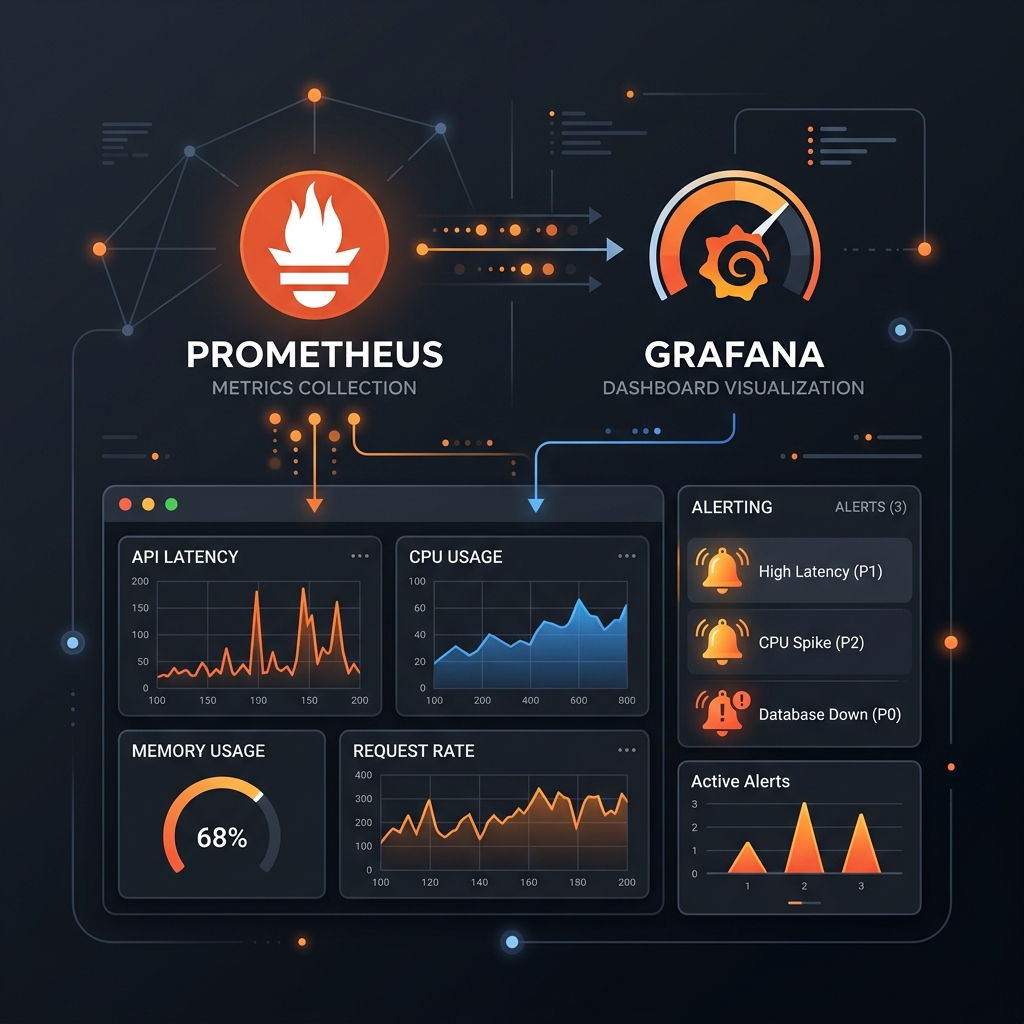
- Prometheus: host metrics, application metrics, and the RED metrics Tempo generates
- Loki: application logs
- Tempo: distributed traces
The part that makes these three genuinely useful together rather than just three separate views is derived fields in Loki. Any log line containing a trace ID becomes a clickable link to that trace in Tempo:
Field name: traceId
Regex: traceId=(\w+)
Internal link: Tempo → ${__value.raw}
From a trace in Tempo you can navigate back to the Loki logs for that service in the same time window. The three signals become navigable together rather than three separate places to look.
Where This Left Off
The stack now covers all three observability pillars. Host health and availability through Prometheus and Alloy on each node, unchanged from Part 2. Application logs through Loki. Distributed traces through Tempo, with RED metrics derived automatically. All queryable from Grafana with the signals linked to each other.
What was still manual: enrolling a new host still meant SSHing in, installing Alloy, writing its config, creating a target file, and reloading Prometheus. That friction was the last remaining operational problem, and fixing it turned into something bigger than just a script.
Next: